Your Privacy.
Experience lightning-fast dictation that runs entirely on your device. No subscriptions, no data tracking, just pure productivity.
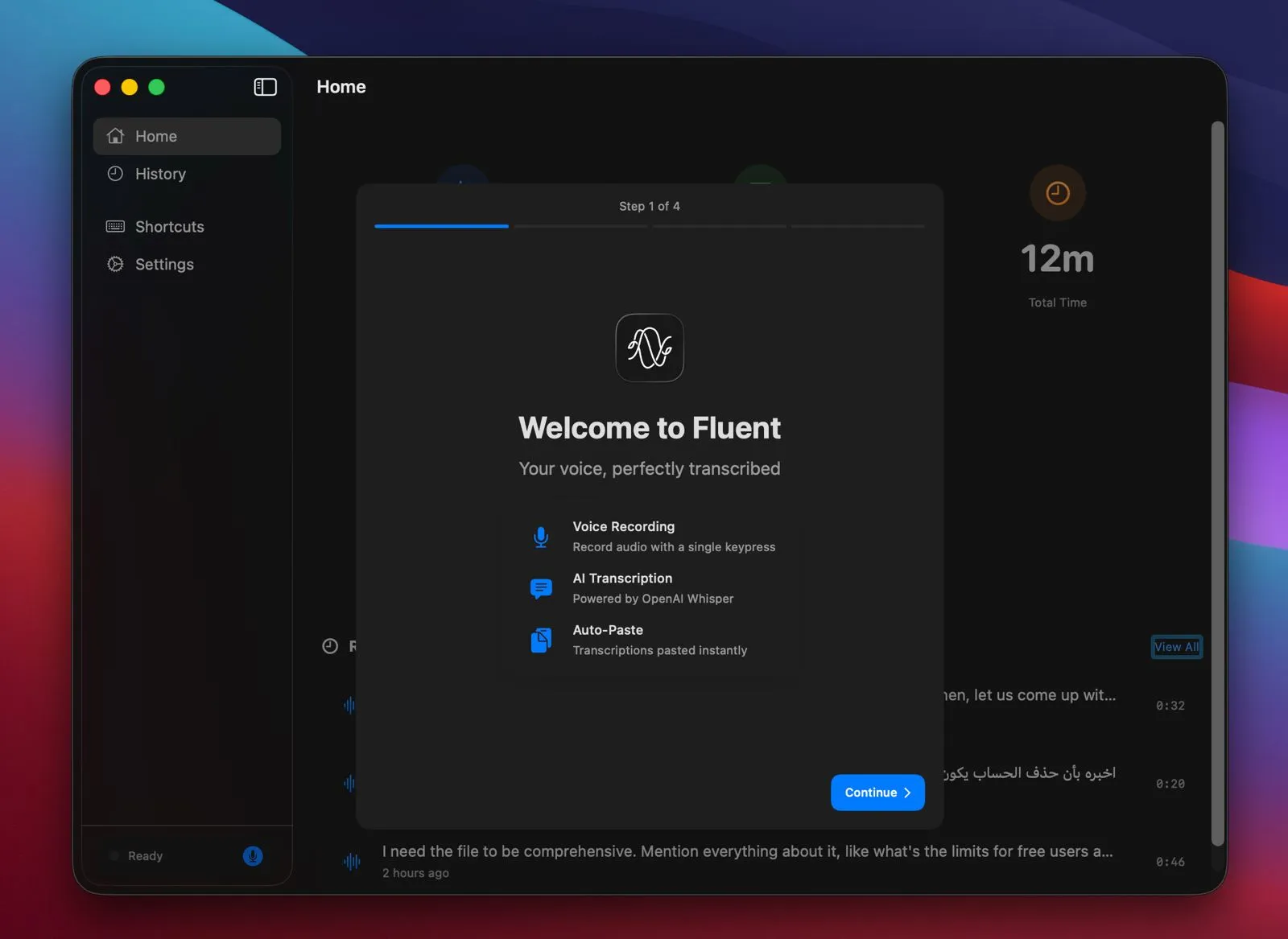
Powerful Features.
Zero Latency.
Everything you need for seamless dictation on macOS, built with performance and privacy in mind.
Local AI Transcription
Runs entirely on your device using optimized Whisper models. Utilize the full power of Apple Silicon Neural Engine for instant results.
Smart Formatting
Auto-punctuation and capitalization as you speak.
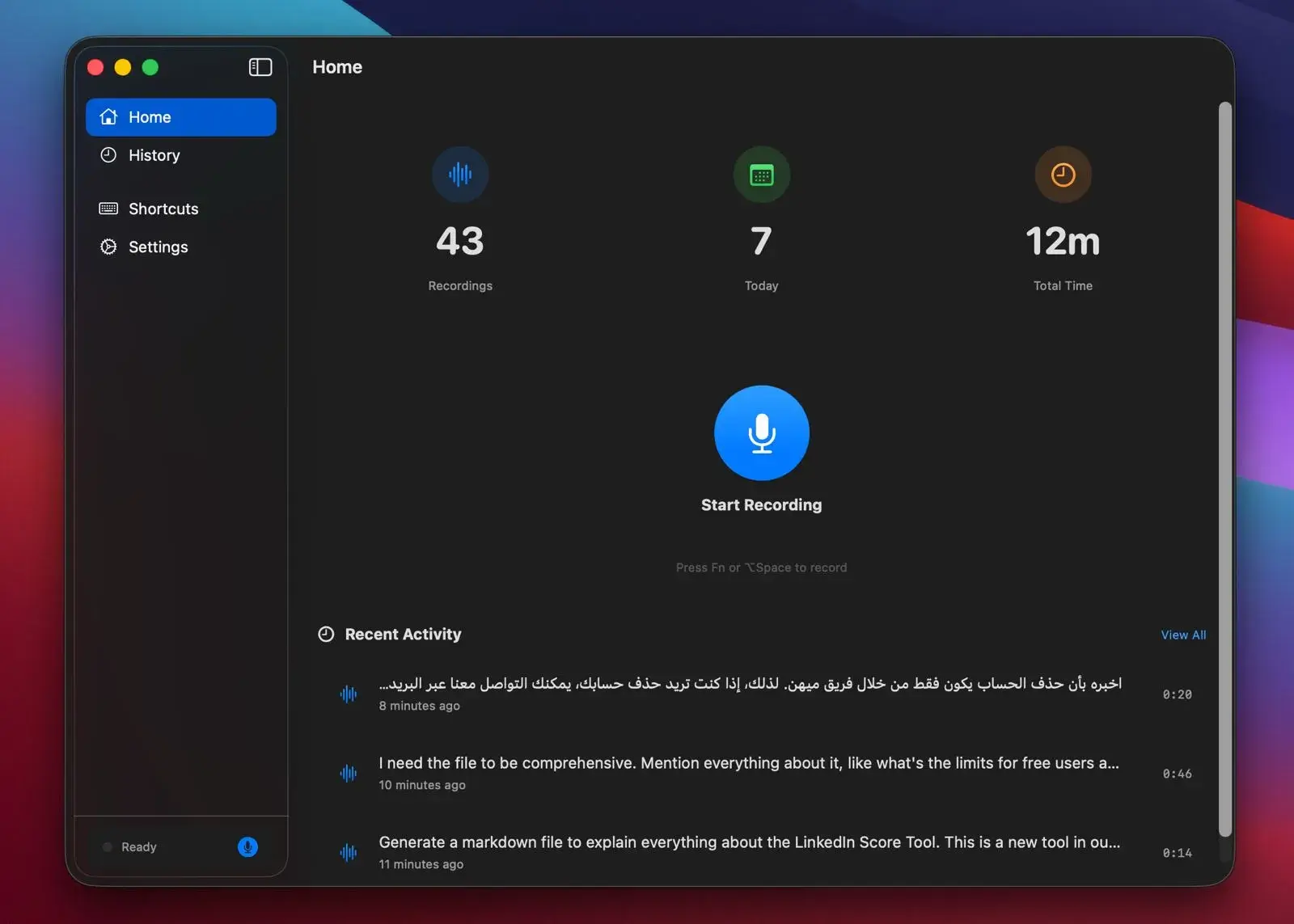
Global Hotkeys
Trigger dictation from anywhere in macOS instantly.
12+ Languages Supported
Seamlessly switch between English, Spanish, French, German, and more without changing settings.
Instant Paste
Text appears directly in your active application.
Why Pay $180/year?
Fluent offers a premium experience without the premium price tag. Keep your money and your privacy.
 FluentFREE FOREVER
Workflow Simplified
Press Hotkey
Hit your custom shortcut in any app.
Speak Naturally
Fluent captures every nuance locally.
Instant Magic
Text appears instantly where you want it.
Your Voice Never
Leaves Your Mac.
We built Fluent because we were tired of cloud-based services listening in. Your privacy isn't just a feature, it's the foundation.
- 100% Offline ProcessingAll audio processing happens on your local Neural Engine.
- No Tracking or AnalyticsWe don't know who you are or what you dictate.
- Open Source CodeDon't trust us? Audit the code yourself on GitHub.
Frequently Asked Questions
Does Fluent work on Intel Macs?
Is Fluent really free?
Why does Fluent need microphone permission?
What languages does Fluent support?
How accurate is the transcription?
Can I use Fluent without an internet connection?
Ready to Ditch
Subscriptions?
Join thousands of users who have switched to fast, private, and free voice dictation.
v2.0.0 • macOS 12.0+ • Apple Silicon Recommended